A download button on every video
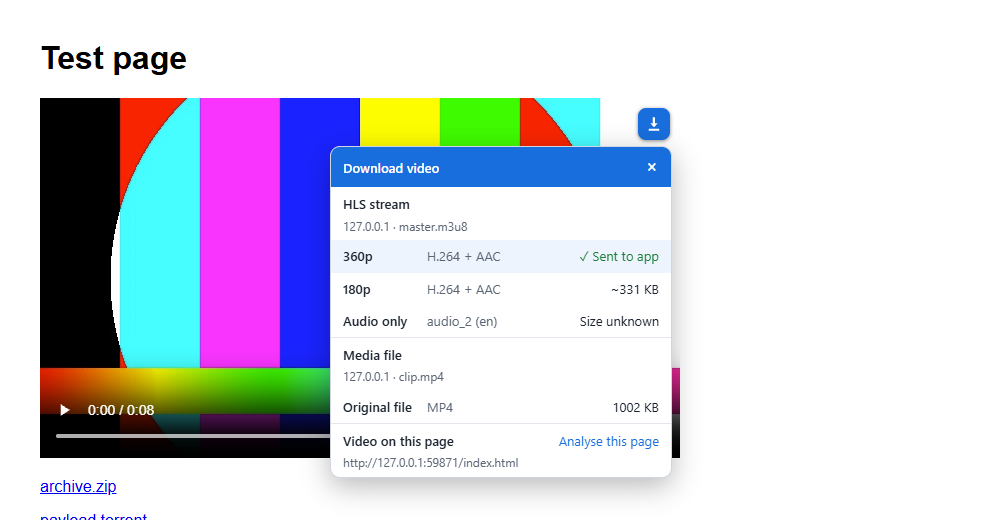
The extension places a small button on the top-right corner of each video on a page. Click it to see what can be downloaded.
- Detects direct video files, HLS (
.m3u8) and DASH (.mpd) streams
- Works on embedded players and inside frames
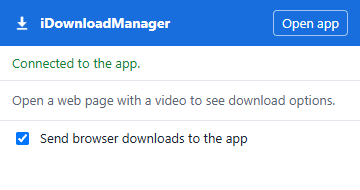
- The same list is in the extension's toolbar popup
Choose the quality you want
Each option shows what you are getting before you download it.
- Resolution, from 144p to 4K where the site offers it
- Video and audio codec, and the file size
- A choice of audio track when there are several
- An audio-only option
Social media and video sites
Sites that hide their stream addresses are read through the page itself.
- YouTube, Facebook, Instagram, TikTok, X and Dailymotion
- Many more through the bundled yt-dlp
- Uses your browser sign-in only when a video needs it
Faster file downloads
Files are downloaded over several connections at once.
- Up to 32 connections per download
- A connection that finishes early takes over part of a slower one
- Dropped connections are retried automatically
Pause, resume and queue
Stop a download and pick it up later from where it left off.
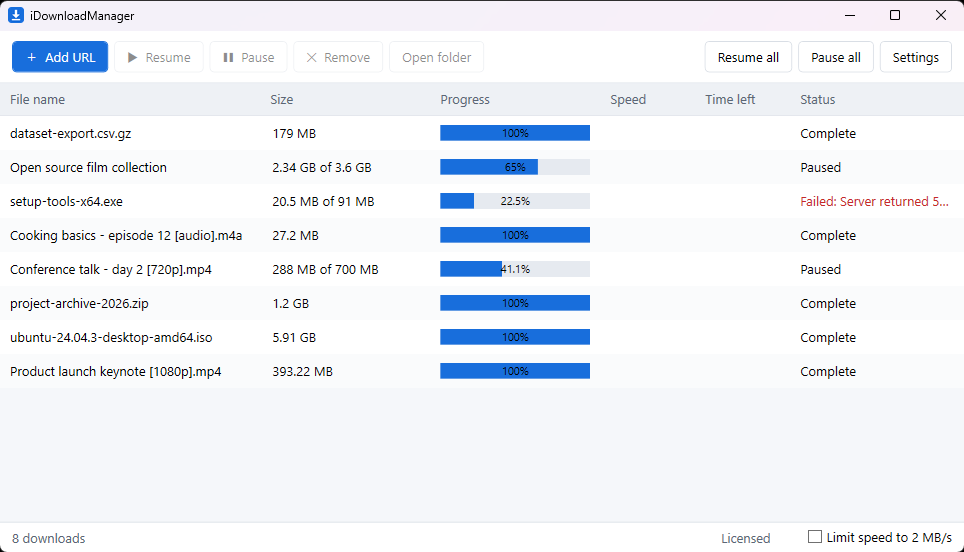
- Progress survives closing the app or restarting the PC
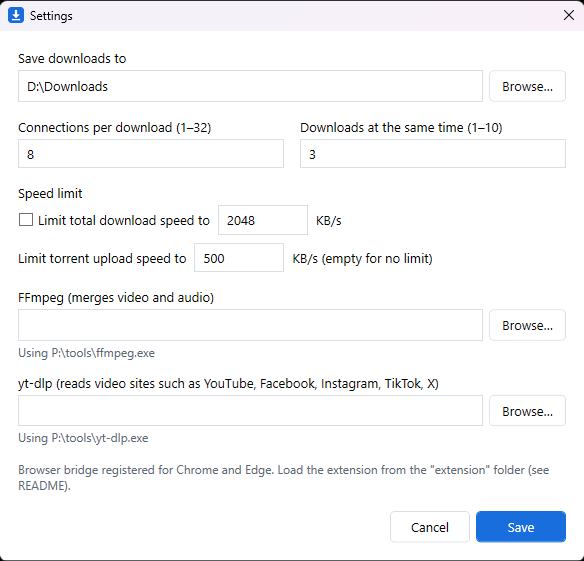
- Choose how many downloads run at the same time
- Resume all or pause all with one click
Speed limits
Keep the rest of your connection usable while large downloads run.
- A global download limit you can switch on and off from the main window
- Changes apply to running downloads straight away
- A separate upload limit for torrents
Torrents
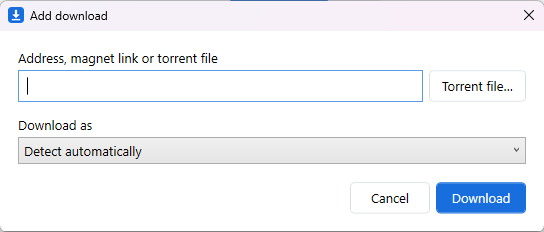
A BitTorrent engine is built in, so torrents sit in the same list as everything else.
.torrent files and magnet links- DHT, trackers, peer exchange and HTTP seeds
- Click a magnet link in the browser, drop a torrent on the window, or paste a link
Takes over browser downloads
Start a download in Chrome or Edge and the app picks it up.
- Archives, installers, documents, video and audio files
- Right-click any link: Download with i9Downloader
- One checkbox in the popup turns this off
Stays out of the way
Close the window and downloads keep running from the notification area.
- The browser starts the app in the background when it is needed
- Video and audio tracks are merged into one file automatically
- No administrator rights needed
 i9Downloader